weclapp: Setting up the connection
Billing turns the previous month's snapshot numbers into PRE invoices in weclapp — one per customer and billing period. Before that can run, the connection and the mappings need to be in place.
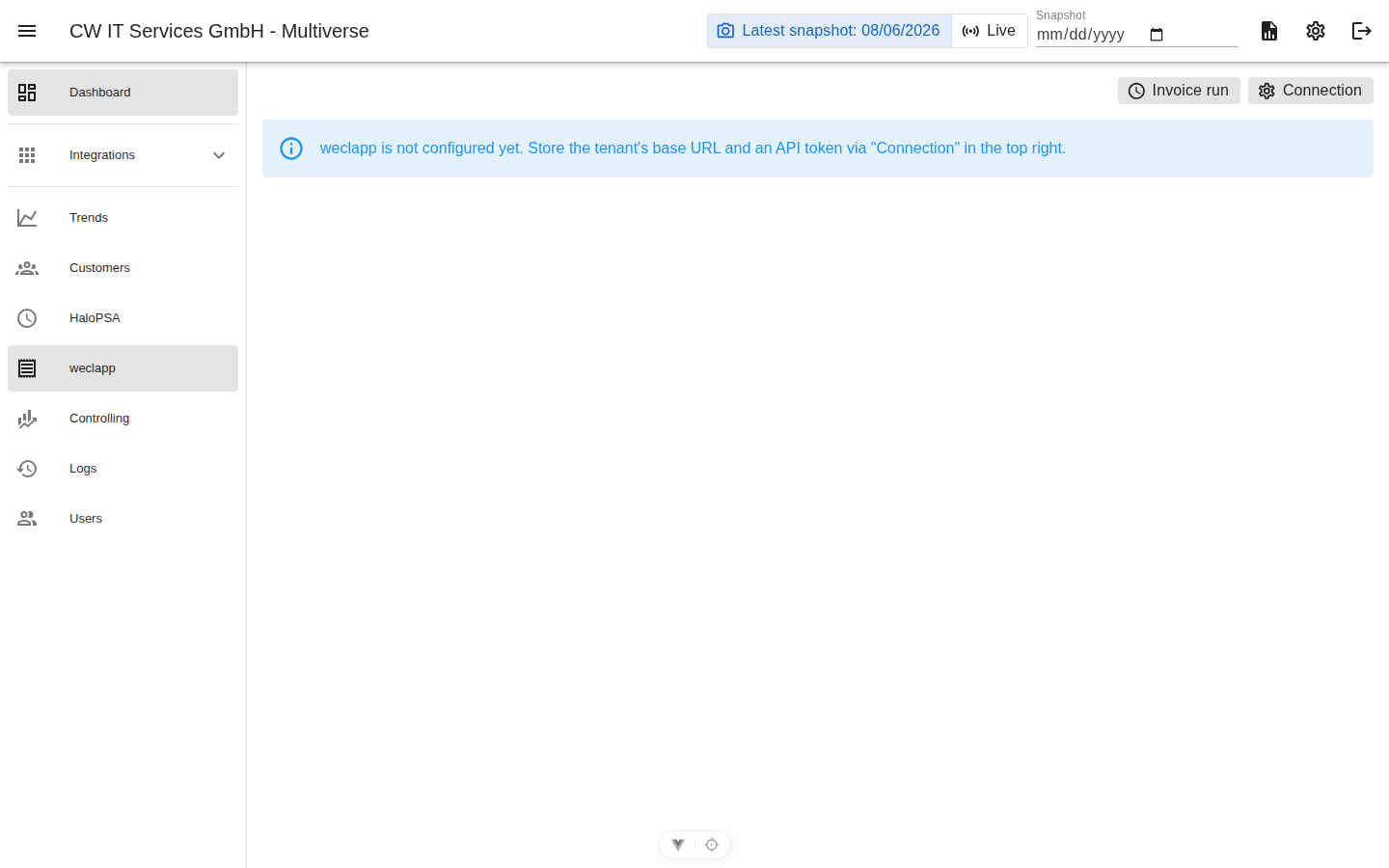
Connection
- Open the weclapp view → gear icon.
- Enter the weclapp URL (
https://<firma>.weclapp.com) and the API token (weclapp: My profile → API token; the account needs permissions on customers, articles and invoices). - Test connection → save.
What billing reads from weclapp
- Customer list (for the customer mapping) — displayed with names instead of numbers.
- Articles including prices; customer-specific prices are detected and highlighted in the dialogs.
What billing writes to weclapp
- PRE invoices (drafts) per customer covering the previous month — accounting reviews and finalizes them in weclapp.
- Multiverse keeps track of generated invoices (tracking with a deep link and the actual invoice amount) and can replace its own drafts when a run is repeated. Invoices already finalized in weclapp are never touched.
Continue with: Mapping customers & articles → Invoice run