Managing snapshots
Settings → Snapshots bundles the snapshot tools:
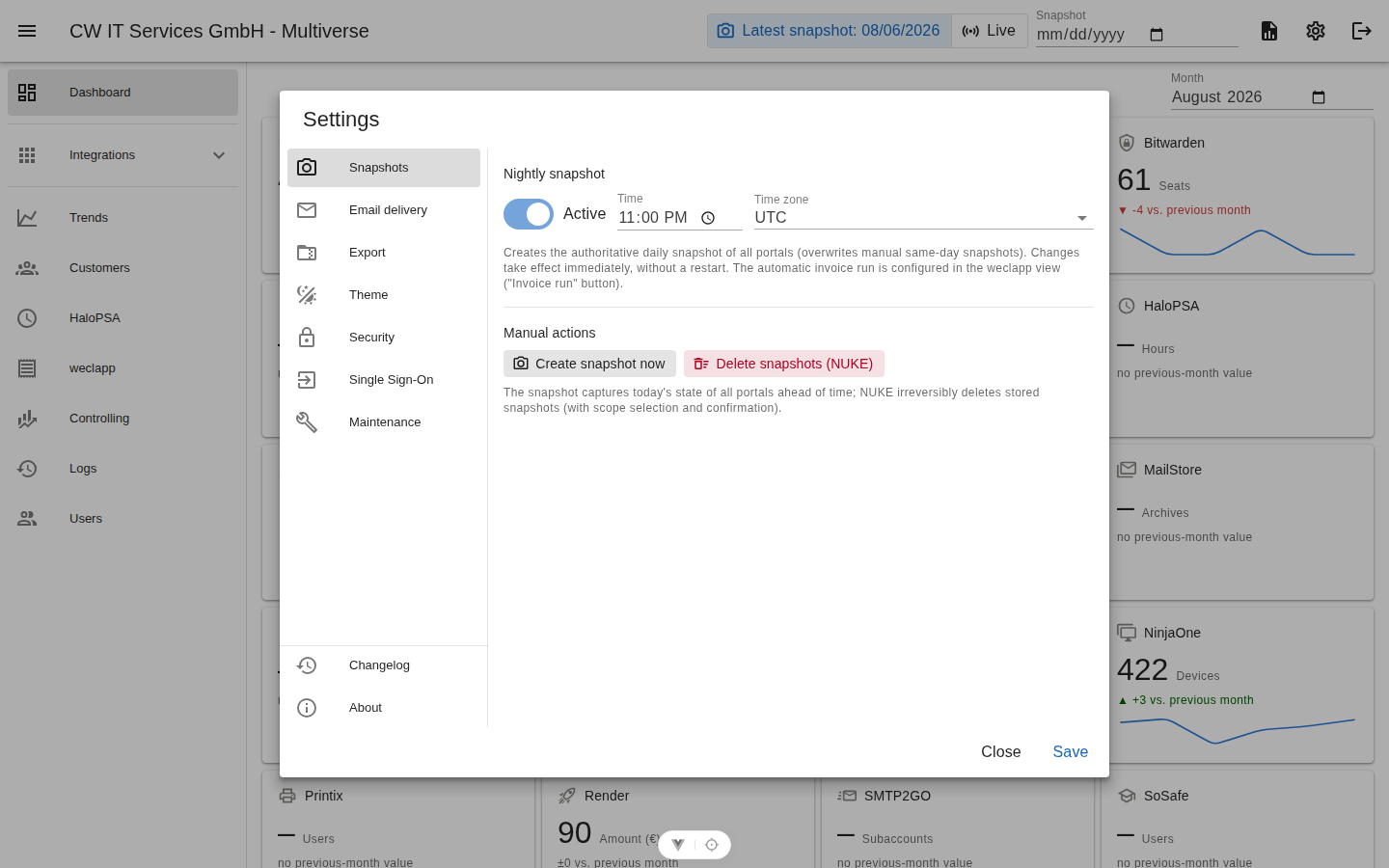
Create a snapshot now
Starts the run across all portals (preview for today). The dialog explains the interplay with the nightly job and offers the checkbox "Overwrite today's existing preview". After the start, the dialog closes immediately — progress runs in the header chip.
Delete snapshots
Targeted cleanup with three optional filters:
| Selection | Effect |
|---|---|
| nothing selected | delete all snapshots |
| portal only | all snapshots of one portal |
| month only | all portals in one month |
| portal + month | one portal in one month |
| + customer | any of the scopes above, limited to a single customer |
The customer filter combines with every other scope — e.g. one customer inside one portal, or one customer in one month across all portals. While a customer is selected, the portal and month counts shown in the dialog shrink to that customer's entries, so the preview number is always exact. Every deletion requires a typed confirmation and is recorded in the audit log. Typical use cases: removing test runs with wrong credentials without a trace before real data is collected, or cleaning up a single customer's data (e.g. after an off-boarding or a mis-assigned collector match).
Irreversible
Deleted snapshots are gone — there is no recycle bin. Historical days cannot be regenerated.