What is Multiverse?
Multiverse is the internal license and billing cockpit of CW IT Services GmbH. Every day it automatically answers three questions:
- Which licenses and usage does each customer have with each vendor? — via direct API connections to the vendor portals (ALSO, Microsoft 365, NinjaOne, Autodesk, Hetzner, Meraki and many more).
- Do the numbers really belong to the right customer? — via customer merging, product mapping and automatic detection of renames.
- What do we bill the customer? — via the weclapp invoice run, which generates PRE invoices from the previous month's numbers.
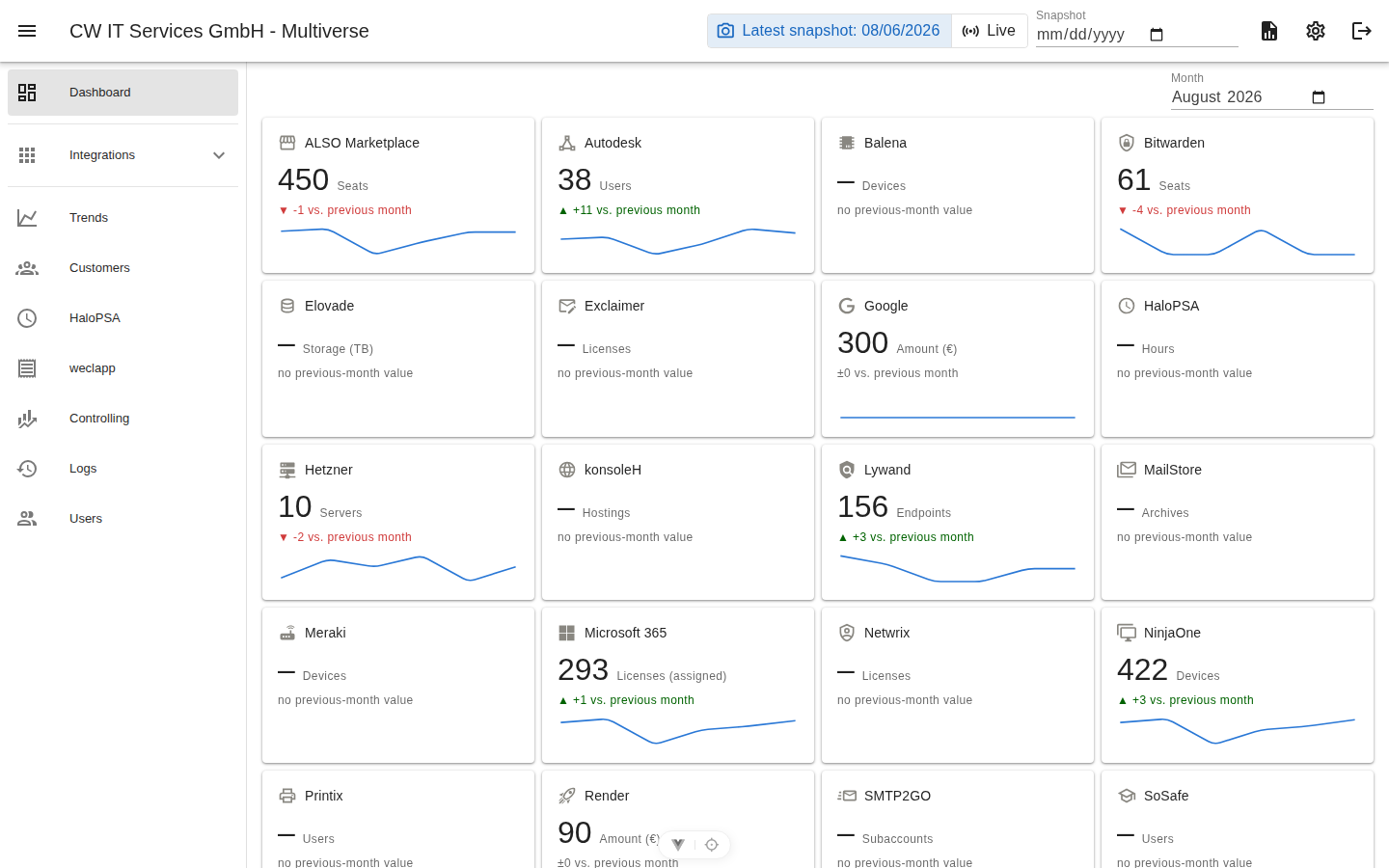
How the data flows
Vendor portals ──► Snapshot (daily, 1× per portal) ──► Customer/product mapping ──► Views, trends, export ──► weclapp invoice run- Snapshot: Every night (and manually on demand) Multiverse queries every connected portal and freezes the day's numbers — per portal, customer and metric (e.g. "Seats", "Servers", "Mailboxes"). Details: Snapshots & preview.
- Mapping: Customers are named slightly differently in every portal. Customer merging turns them into one customer; product mappings turn different product names (e.g. ALSO vs. Microsoft) into one row.
- Billing: The invoice run bills the previous month — one PRE invoice per customer in weclapp, with mapped articles, overrides and extra line items.
Who should read what?
| Role | Starting point |
|---|---|
| Accounting | Use Cases, Invoice run, Trends & export |
| Engineering / administration | Getting Started, Integrations, Settings |
| Management | What is Multiverse? (this page), Use Cases, trends on the dashboard |
Core principles
- One record per day and portal. Whoever collects first wins the day; the nightly run overwrites the same day's manual preview with the final state. Historical days are never modified.
- Credentials live in the app, not in files. Every integration is configured via the gear dialog in its view; secrets are never shown again after saving.
- Everything curated is traceable. Merges, mappings, resets and configuration changes land in the audit log.
- The truth lives in the snapshot. Views show the latest snapshot by default (fast, stable); "Load live" fetches the current state directly from the portal on demand.