Getting Started
This page walks you once from an empty installation to the first complete snapshot.
1. Sign in
Multiverse runs at https://multiverse.cw-it.de. There are two ways in:
- Microsoft SSO (recommended): "Sign in with Microsoft" — works for all approved accounts of the company tenant once SSO is enabled in Settings.
- Email + password: a classic account that an admin created in user management.
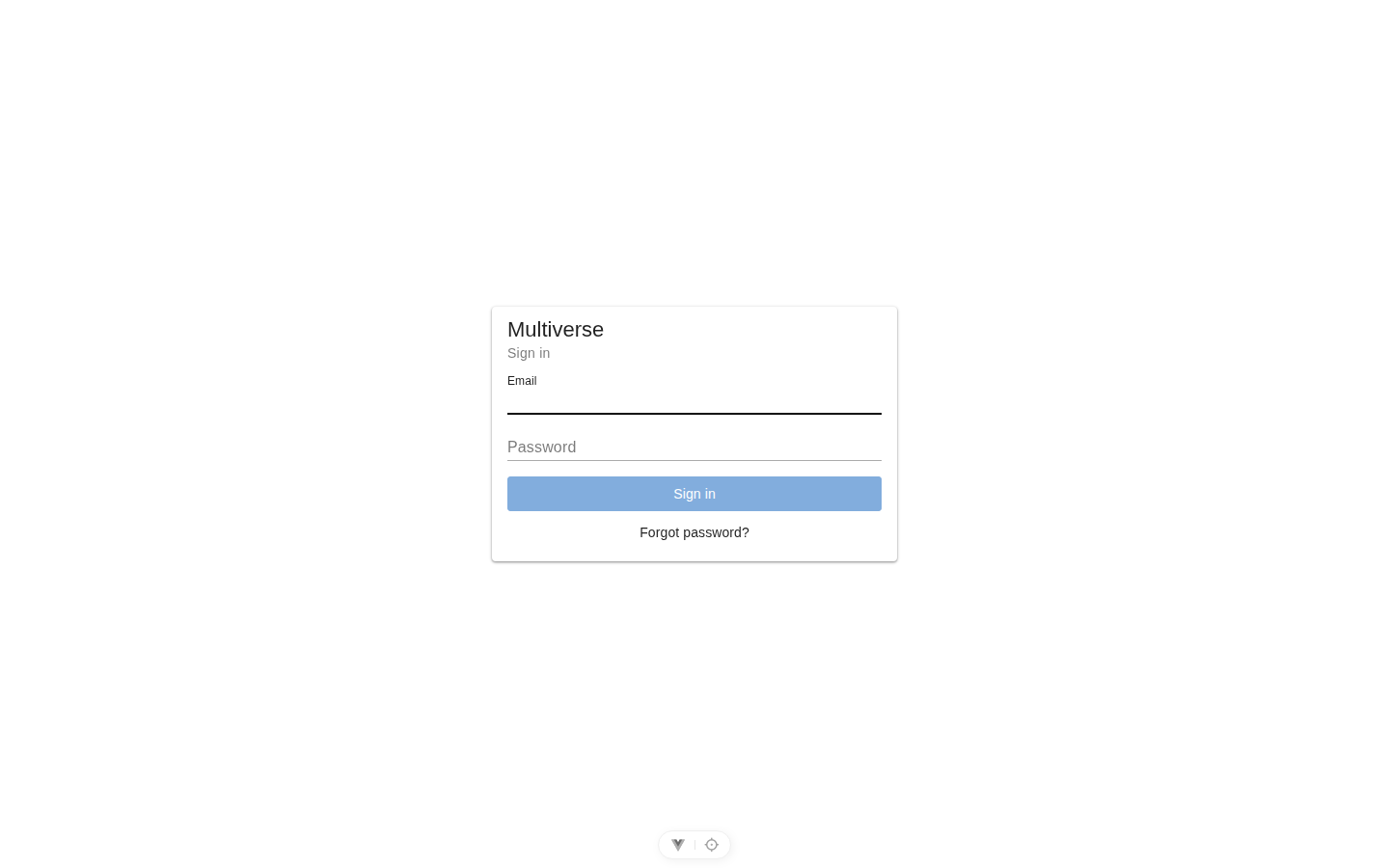
Root admin on the very first start
On a fresh installation only the root admin exists. They sign in via a magic link that the API writes to the container log on startup, then go through the root setup: set a password → set up two-factor authentication. 2FA is mandatory for the root admin and cannot be disabled.
2. Connect the first integration
- On the left under Integrations, open a portal (e.g. NinjaOne).
- Click the gear in the top right.
- Enter the credentials — which ones each portal needs is listed on its integration page.
- Test connection — the test states specifically what is missing (wrong key, missing permissions, empty response).
- Save.
Secrets stay secret
Saved secrets (passwords, API keys, tokens) are never shown in the dialog again. An empty secret field when saving again means "leave unchanged".
3. Take the first snapshot
- Single portal: camera button in the portal view.
- All portals: Settings → Snapshots → "Create snapshot now". The dialog closes immediately; the chip in the header bar shows the progress live.
From now on the dashboard fills up, and the nightly schedule takes over.
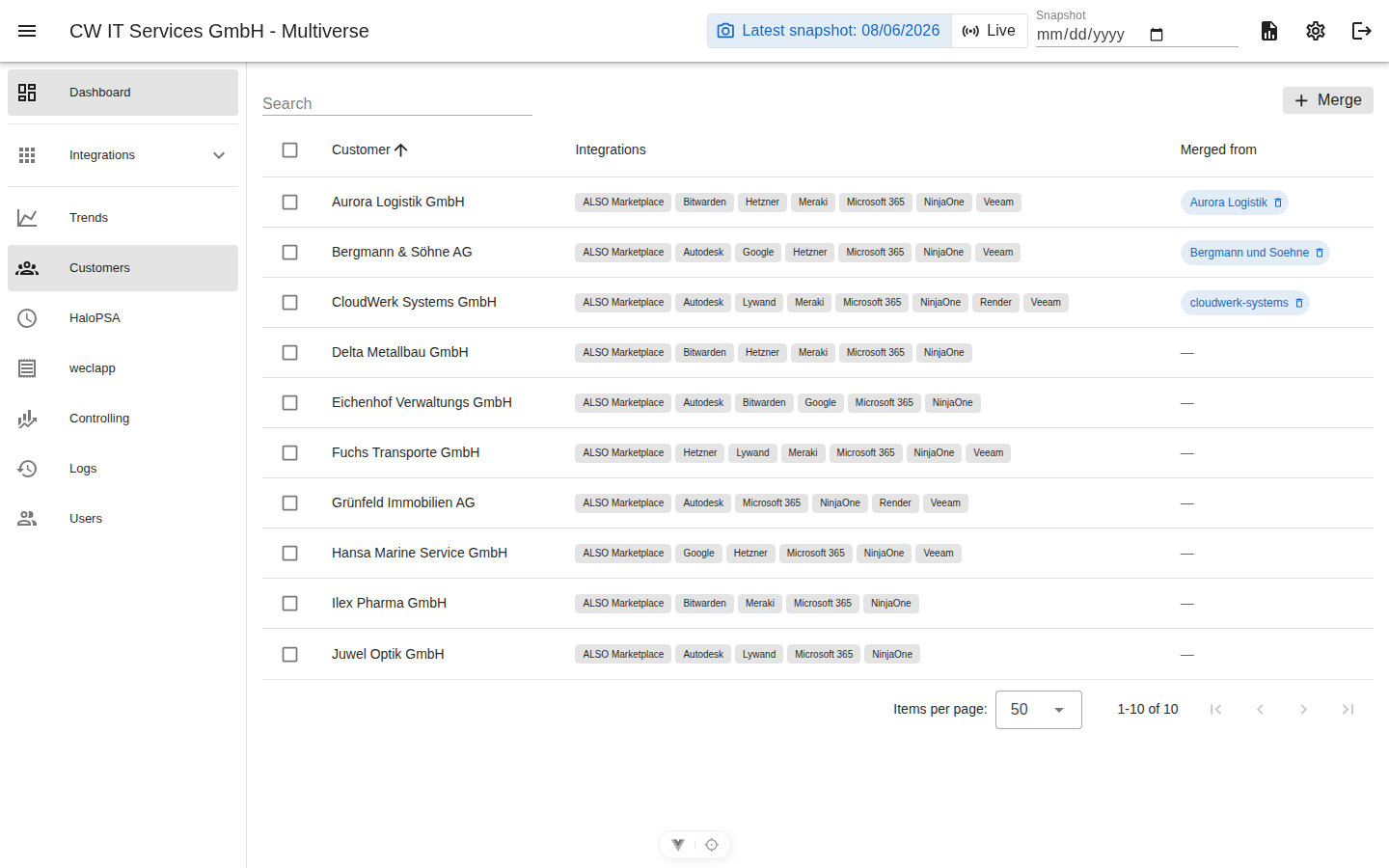
4. Clean up customers
After the first snapshot, customers show up multiple times (every portal writes names differently). In the customer view they are merged with a click — once; after that, the automatic rename detection keeps the mapping stable.
5. Prepare billing (optional, for accounting)
Once snapshots have been running for a month: connect weclapp, map customers and articles, then the invoice run generates the PRE invoices every month.
Checklist
| Step | Where | Done when … |
|---|---|---|
| Sign-in + 2FA | Login / profile | you can sign in with 2FA |
| Integrations connected | each portal view, gear | connection test green everywhere |
| First snapshot | Settings → Snapshots | dashboard shows tiles with numbers |
| Customers merged | customer view | no obvious duplicates left |
| Schedules active | Settings → Schedules | nightly snapshot runs automatically |
| weclapp connected | weclapp view | invoice run generates PRE invoices |